Grok Bot + Tripsy · Connection guide
Give your travel planning a dedicated Bot.
Explore how a Grok Bot can help organize your Tripsy plans through supported connected tools. Start by checking whether a Tripsy connection is available to your account.
Explore how a Grok Bot can help organize your Tripsy plans through supported connected tools. Start by checking whether a Tripsy connection is available to your account.

Reorganize my Tokyo trip by neighborhood to minimize travel time.
Example plan · Group your activities by neighborhood:
Day 1 · Shibuya + Harajuku · Day 2 · Asakusa · Day 3 · Shinjuku
Reorganize my Tokyo trip by neighborhood to minimize travel time.
Example plan · Group your activities by neighborhood:
Day 1 · Shibuya + Harajuku · Day 2 · Asakusa · Day 3 · Shinjuku
Reorganize my Tokyo trip by neighborhood to minimize travel time.
Example plan · Group your activities by neighborhood:
Day 1 · Shibuya + Harajuku · Day 2 · Asakusa · Day 3 · Shinjuku
From conversation to itinerary
From conversation to itinerary
Build a trip. Make it yours. Keep it organized.
Build a trip. Make it yours. Keep it organized.
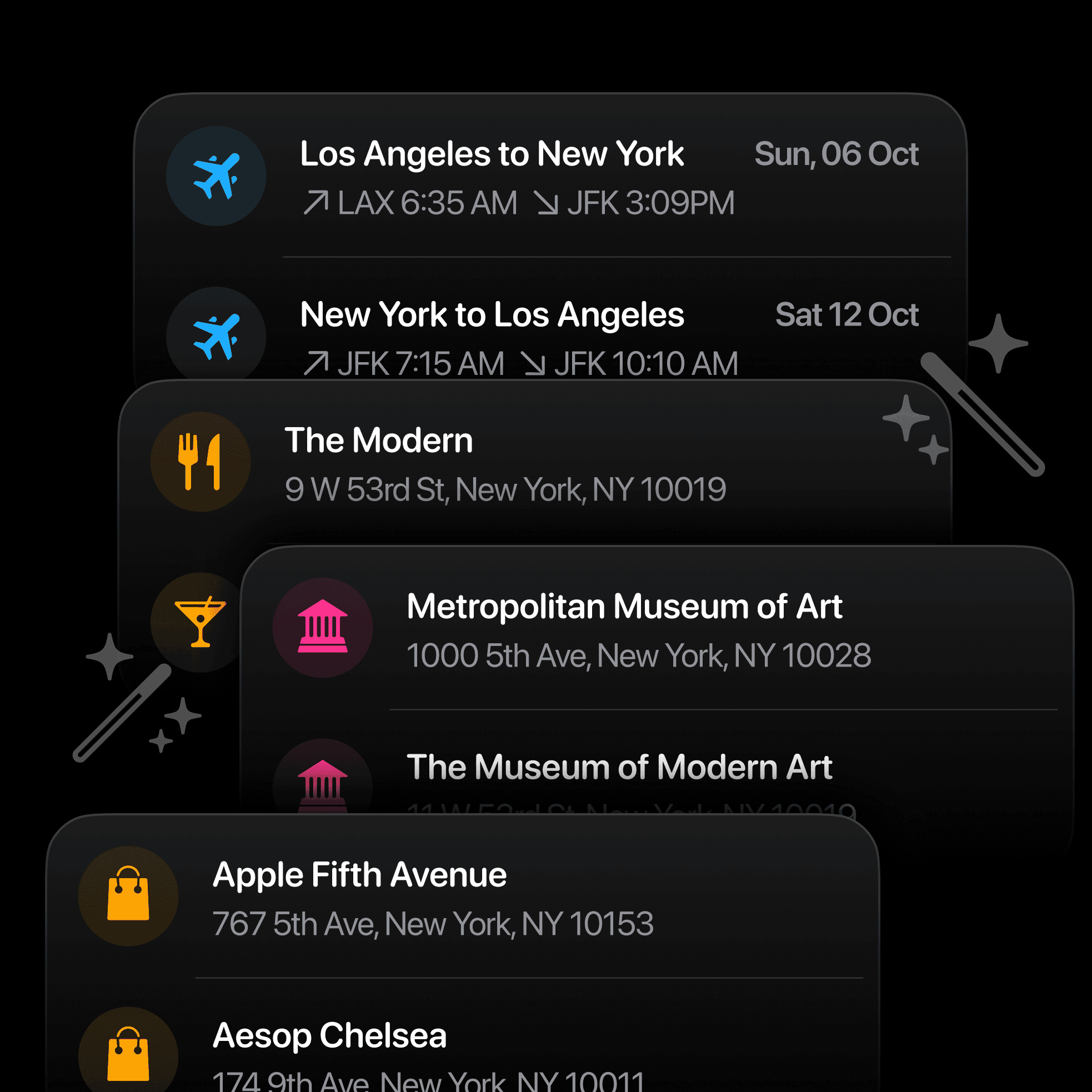
Smart reorganization
Ask your assistant to rearrange activities by time, location, or preference. Review the proposed order and save the changes to your trip.
Add activities instantly
Describe what you want to do — hiking, dining, museums — and your assistant adds relevant activities to your trip seamlessly.
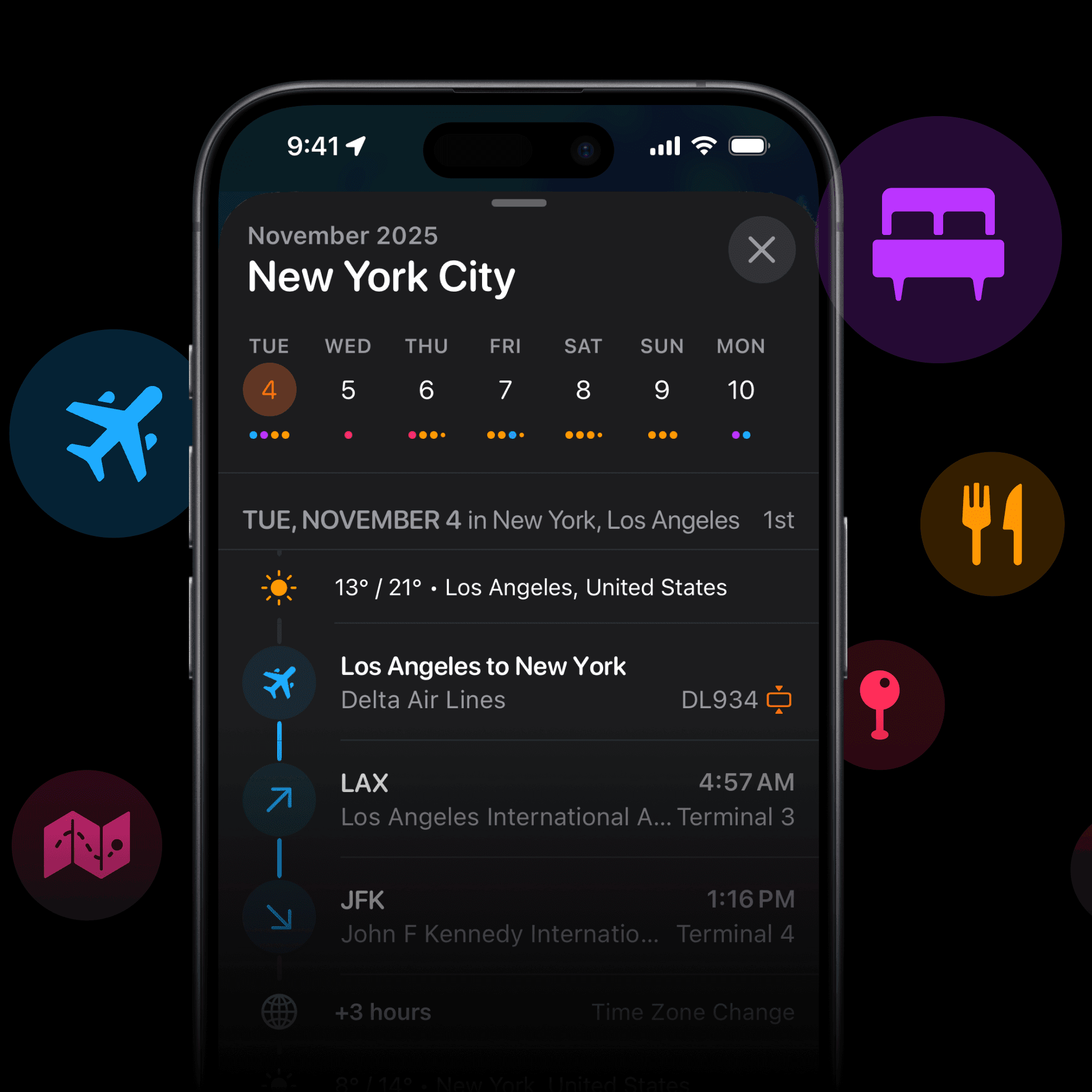
Update itineraries
Change dates, swap activities, adjust timing. Natural conversation makes complex itinerary updates feel effortless.
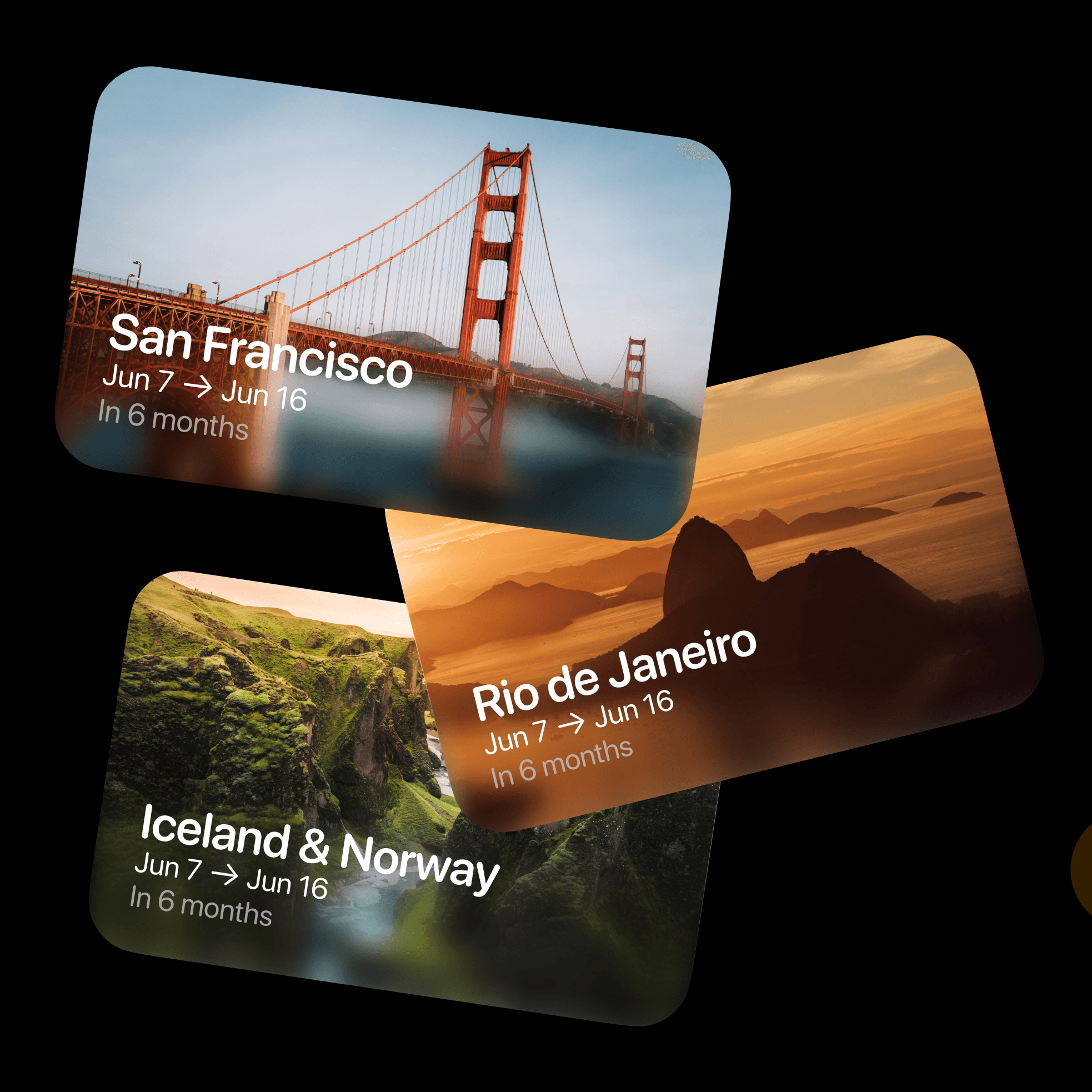
Create full trips
Build entire trips from scratch. Tell your assistant your destination, dates, and interests — it generates a complete itinerary.
Smart reorganization
Ask your assistant to rearrange activities by time, location, or preference. Review the proposed order and save the changes to your trip.
Add activities instantly
Describe what you want to do — hiking, dining, museums — and your assistant adds relevant activities to your trip seamlessly.
Update itineraries
Change dates, swap activities, adjust timing. Natural conversation makes complex itinerary updates feel effortless.
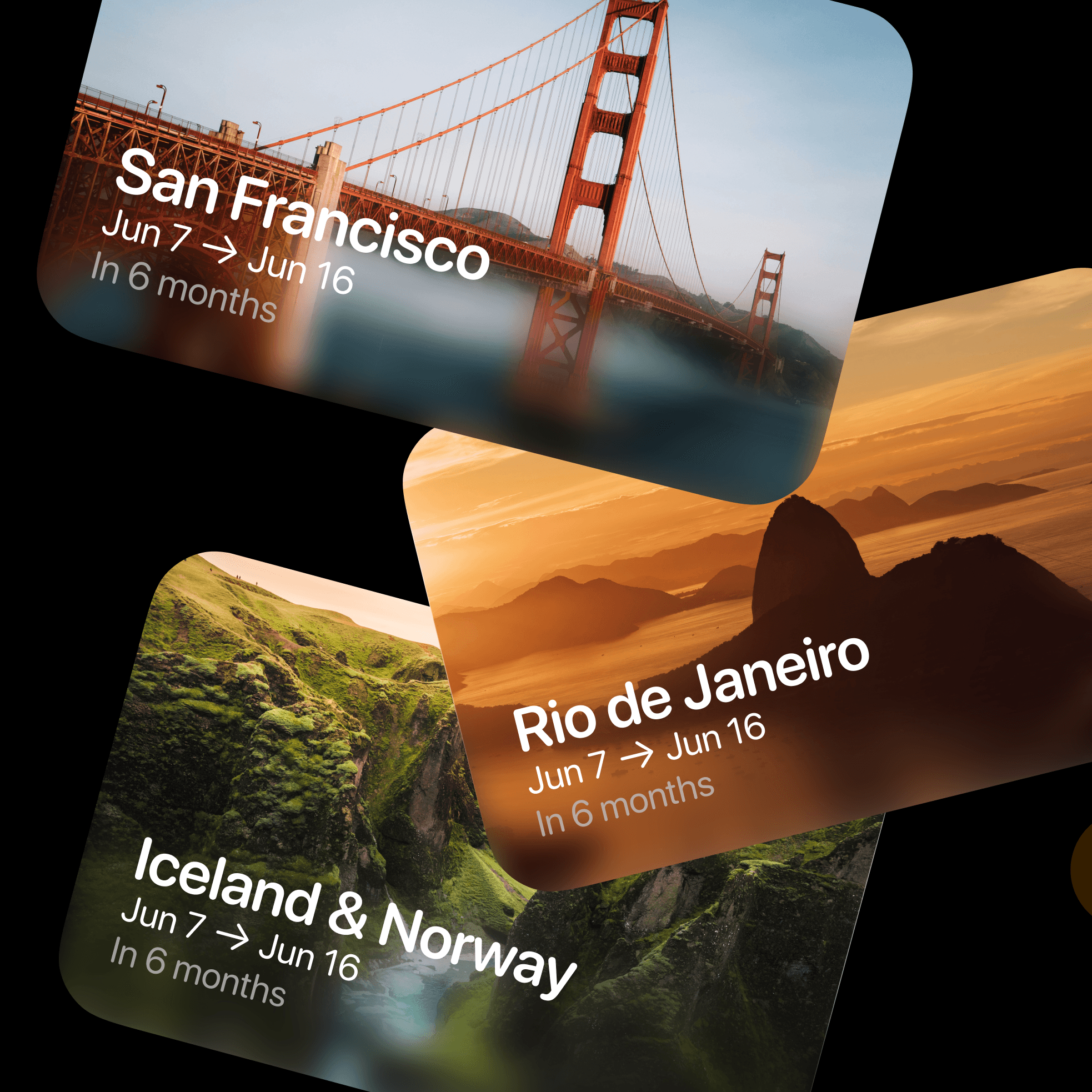
Create full trips
Build entire trips from scratch. Tell your assistant your destination, dates, and interests — it generates a complete itinerary.
Smart reorganization
Ask your assistant to rearrange activities by time, location, or preference. Review the proposed order and save the changes to your trip.
Add activities instantly
Describe what you want to do — hiking, dining, museums — and your assistant adds relevant activities to your trip seamlessly.
Update itineraries
Change dates, swap activities, adjust timing. Natural conversation makes complex itinerary updates feel effortless.
Create full trips
Build entire trips from scratch. Tell your assistant your destination, dates, and interests — it generates a complete itinerary.
Smart reorganization
Ask your assistant to rearrange activities by time, location, or preference. Review the proposed order and save the changes to your trip.
Add activities instantly
Describe what you want to do — hiking, dining, museums — and your assistant adds relevant activities to your trip seamlessly.
Update itineraries
Change dates, swap activities, adjust timing. Natural conversation makes complex itinerary updates feel effortless.
Create full trips
Build entire trips from scratch. Tell your assistant your destination, dates, and interests — it generates a complete itinerary.
Smart reorganization
Ask your assistant to rearrange activities by time, location, or preference. Review the proposed order and save the changes to your trip.
Add activities instantly
Describe what you want to do — hiking, dining, museums — and your assistant adds relevant activities to your trip seamlessly.
Update itineraries
Change dates, swap activities, adjust timing. Natural conversation makes complex itinerary updates feel effortless.
Create full trips
Build entire trips from scratch. Tell your assistant your destination, dates, and interests — it generates a complete itinerary.
Smart reorganization
Ask your assistant to rearrange activities by time, location, or preference. Review the proposed order and save the changes to your trip.
Add activities instantly
Describe what you want to do — hiking, dining, museums — and your assistant adds relevant activities to your trip seamlessly.
Update itineraries
Change dates, swap activities, adjust timing. Natural conversation makes complex itinerary updates feel effortless.
Create full trips
Build entire trips from scratch. Tell your assistant your destination, dates, and interests — it generates a complete itinerary.
Try a conversation
Try a conversation
A few things you can ask your assistant.
A few things you can ask your assistant.
01
Optimize a busy itinerary
Optimize a busy itinerary
3 days in Tokyo with activities scattered across neighborhoods? Just ask your assistant to reorganize.
3 days in Tokyo with activities scattered across neighborhoods? Just ask your assistant to reorganize.
"I have museum visits in Shibuya, dinner in Shinjuku, temples in Asakusa, and shopping in Harajuku. Reorganize these by location to minimize travel time."
"I have museum visits in Shibuya, dinner in Shinjuku, temples in Asakusa, and shopping in Harajuku. Reorganize these by location to minimize travel time."
02
Discover hidden gems
Discover hidden gems
Want authentic experiences beyond the typical tourist spots? Ask for local favorites.
Want authentic experiences beyond the typical tourist spots? Ask for local favorites.
"Add 3 local experiences to my Barcelona trip: authentic tapas bars, lesser-known parks, and street art neighborhoods."
"Add 3 local experiences to my Barcelona trip: authentic tapas bars, lesser-known parks, and street art neighborhoods."
03
Build a complete trip
Build a complete trip
Starting fresh with just a destination? Let your assistant build your entire itinerary from scratch.
Starting fresh with just a destination? Let your assistant build your entire itinerary from scratch.
"Create a 5-day trip to Bali for someone who loves beaches, yoga, and local food. Include activities and reasonable travel times."
"Create a 5-day trip to Bali for someone who loves beaches, yoga, and local food. Include activities and reasonable travel times."
04
Handle last-minute changes
Handle last-minute changes
Flight delays, weather, or change of heart? Adapt your trip instantly.
Flight delays, weather, or change of heart? Adapt your trip instantly.
"My flight is delayed by 4 hours. What should I remove from tomorrow's itinerary, and what can I add the next day instead?"
"My flight is delayed by 4 hours. What should I remove from tomorrow's itinerary, and what can I add the next day instead?"
05
Match activities to mood
Match activities to mood
Feeling adventurous one day, relaxed another? Get instant swap suggestions.
Feeling adventurous one day, relaxed another? Get instant swap suggestions.
"Swap tomorrow's leisurely morning for something adventurous — hiking, rock climbing, or water sports. What's available nearby?"
"Swap tomorrow's leisurely morning for something adventurous — hiking, rock climbing, or water sports. What's available nearby?"
06
Plan group trips
Plan group trips
Coordinating multiple people with different interests? Balance everyone's preferences.
Coordinating multiple people with different interests? Balance everyone's preferences.
"My group has mixed interests: some want adventure, some want cultural sites, some want nightlife. Create a balanced 4-day itinerary."
"My group has mixed interests: some want adventure, some want cultural sites, some want nightlife. Create a balanced 4-day itinerary."

Good questions, clear answers
Good questions, clear answers
Grok Bot and your travel plans
Grok Bot and your travel plans
What is MCP?
MCP is the connection that lets compatible AI assistants and agents work with your Tripsy trips and supported planning tools.
MCP is the connection that lets compatible AI assistants and agents work with your Tripsy trips and supported planning tools.
Is this the same as Grok chat?
Grok Bot uses Plugins in its own app. Grok chat has a separate custom-connector flow at grok.com/connectors; that does not establish Bot compatibility.
Grok Bot uses Plugins in its own app. Grok chat has a separate custom-connector flow at grok.com/connectors; that does not establish Bot compatibility.
When can a Bot change a trip?
Only after a supported Tripsy connection is available, authenticated, and exposes the needed action. The examples below describe intended tasks.
Only after a supported Tripsy connection is available, authenticated, and exposes the needed action. The examples below describe intended tasks.
What if Tripsy is not listed?
Stop at the connection check. A custom remote MCP path for Grok Bot needs verification; adding a URL to Grok chat is a different setup.
Stop at the connection check. A custom remote MCP path for Grok Bot needs verification; adding a URL to Grok chat is a different setup.
Can I keep planning manually?
Yes. AI is an optional way to work on your itinerary. You can keep organizing and editing your trips in Tripsy.
Yes. AI is an optional way to work on your itinerary. You can keep organizing and editing your trips in Tripsy.
Connect · Authorize · Start planning
Check Tripsy access in Grok Bot
Check Tripsy access in Grok Bot
You’ll need an eligible Grok Bot account. Tripsy connector availability and custom MCP setup in Grok Bot still need confirmation.
You’ll need an eligible Grok Bot account. Tripsy connector availability and custom MCP setup in Grok Bot still need confirmation.
1
Open Plugins
In Grok Bot, open Settings → Plugins. Look for a Tripsy connector. Available plugins can depend on your account and workspace.
2
Connect if available
If Tripsy is listed, choose Add and complete the browser sign-in. If it is missing, a supported custom connection must be confirmed before proceeding.
3
Attach it to a task
After connecting, type @ in chat to attach Tripsy. First ask the Bot to list your trips and verify the result before requesting changes.
Official Grok Bot setup guide
Understand what you share
Grok Bot connections are account-wide. Review which Bots can use connected travel information before authorizing access.
Grok Bot connections are account-wide. Review which Bots can use connected travel information before authorizing access.
Grok Bot shares its cloud computer and installed connections across your Bots. Treat connected travel information as accessible within that account. Information retrieved from Tripsy may be processed by the AI provider. Review the connection permissions and keep sensitive sign-in steps in the authentication flow.